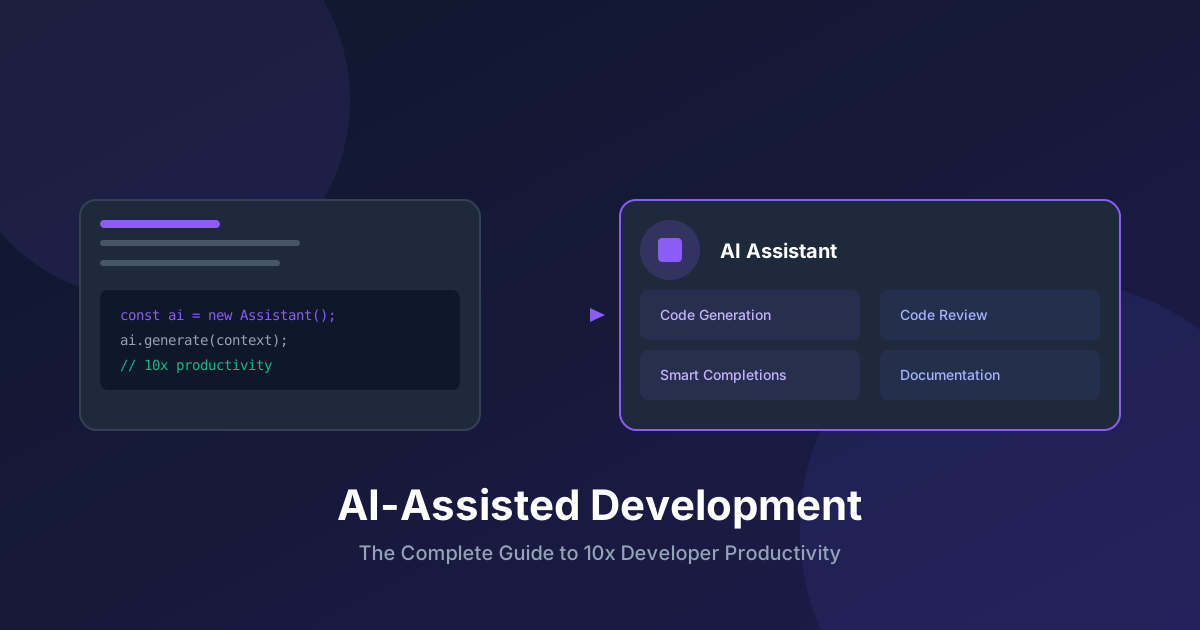
Introduction: The AI-Assisted Development Revolution
AI-assisted development has fundamentally changed how we write code. With tools like GitHub Copilot, Cursor, and Claude, developers can achieve unprecedented productivity - but only when used correctly. This guide provides battle-tested practices, templates, and configurations to maximize your effectiveness.
The AGENTS.md File: Your AI's Operating Manual
The AGENTS.md (or .github/copilot-instructions.md, .cursorrules) file is the most important configuration for AI-assisted development. It tells your AI assistant how to behave in your specific codebase.
Complete AGENTS.md Template
Create this file in your repository root:
# AI Agent Instructions

## Project Overview
This is a [Next.js/React/Node.js] application for [purpose].
- **Stack**: TypeScript, React 18, Next.js 15, TailwindCSS, Prisma
- **Architecture**: [Monolith/Microservices/Serverless]
- **Testing**: Jest, Playwright, React Testing Library

## Code Style & Conventions

### TypeScript
- Use strict mode always
- Prefer `interface` over `type` for object shapes
- Use `const` assertions for literal types
- Never use `any` - use `unknown` and narrow

### React
- Functional components only, no class components
- Use named exports, not default exports
- Colocate component styles in same directory
- Component file structure: ComponentName/index.tsx, styles.css, types.ts

### Naming
- Components: PascalCase (UserProfile.tsx)
- Hooks: camelCase with "use" prefix (useAuth.ts)
- Utils: camelCase (formatDate.ts)
- Constants: SCREAMING_SNAKE_CASE

## File Structure
\`\`\`
src/
├── app/           # Next.js app router pages
├── components/    # Reusable UI components
│   └── ui/        # Primitive components (Button, Input)
├── hooks/         # Custom React hooks
├── lib/           # Utility functions and clients
├── types/         # TypeScript type definitions
└── styles/        # Global styles
\`\`\`

## Patterns to Follow

### API Routes
\`\`\`typescript
// Always validate input with Zod
import { z } from 'zod';

const schema = z.object({
  email: z.string().email(),
  name: z.string().min(1).max(100)
});

export async function POST(request: Request) {
  const body = await request.json();
  const validated = schema.parse(body);
  // ... handler logic
}
\`\`\`

### Error Handling
\`\`\`typescript
// Use Result pattern for operations that can fail
type Result<T, E = Error> =
  | { success: true; data: T }
  | { success: false; error: E };

async function fetchUser(id: string): Promise<Result<User>> {
  try {
    const user = await db.user.findUnique({ where: { id } });
    if (!user) return { success: false, error: new Error('Not found') };
    return { success: true, data: user };
  } catch (error) {
    return { success: false, error: error as Error };
  }
}
\`\`\`

### Database Queries
\`\`\`typescript
// Always use transactions for multi-step operations
await prisma.$transaction(async (tx) => {
  await tx.order.create({ data: orderData });
  await tx.inventory.update({ where: { id }, data: { quantity: { decrement: 1 } } });
});
\`\`\`

## Anti-Patterns to Avoid

❌ Never commit secrets or API keys
❌ Don't use `any` type
❌ Avoid mutation in reducers/state
❌ Don't fetch data in useEffect without cleanup
❌ Never ignore TypeScript errors with @ts-ignore
❌ Don't use inline styles, use TailwindCSS classes

## Testing Requirements

- All new features require tests
- Minimum 80% coverage for new code
- Test file location: adjacent to source (`Component.test.tsx`)
- Use `describe` blocks for grouping related tests

## Security Guidelines

- Validate all user input server-side
- Use parameterized queries (Prisma handles this)
- Sanitize HTML output to prevent XSS
- Implement rate limiting on public endpoints
- Never expose internal errors to clients

## Documentation

- All exported functions need JSDoc comments
- Complex logic requires inline comments explaining WHY
- Update README.md when adding new features
- Include example usage in component docs
AGENTS.md for Different Project Types
#### For a REST API Project
# API Agent Instructions

## API Design
- Follow RESTful conventions
- Use plural nouns for resources: /users, /orders
- Version APIs in URL: /v1/users
- Return consistent error format

## Response Format
\`\`\`json
{
  "data": {},
  "meta": { "requestId": "..." },
  "error": null
}
\`\`\`

## Authentication
- JWT tokens in Authorization header
- Refresh tokens in HTTP-only cookies
- All endpoints require auth except /auth/*
#### For a CLI Tool
# CLI Agent Instructions

## Command Structure
- Use commander.js for argument parsing
- Subcommand pattern: tool <command> [options]
- Always include --help and --version

## Output
- Use chalk for colored output
- Errors go to stderr
- Machine-readable output with --json flag
- Progress with ora spinners
Workflow Configurations
GitHub Copilot Workspace Settings
// .vscode/settings.json
{
  "github.copilot.enable": {
    "*": true,
    "markdown": true,
    "plaintext": false,
    "yaml": true
  },
  "github.copilot.advanced": {
    "inlineSuggestCount": 3,
    "listCount": 10
  }
}
Cursor Rules File
# .cursorrules
project_type: nextjs
language: typescript
style_guide: airbnb
test_framework: jest
always_include:
  - Use TypeScript strict mode
  - Prefer functional components
  - Use TailwindCSS for styling
never_do:
  - Use any type
  - Create class components
  - Use var keyword
Best Practices for AI-Assisted Development
1. Write Intent-Rich Comments
// ❌ Bad - no context
// Sort the array

// ✅ Good - clear intent
// Sort users by creation date (newest first) for dashboard display
// Handle null dates by putting them at the end
2. Provide Type Context
// ❌ Bad - AI doesn't know the shape
function processData(data) {
  // ...
}

// ✅ Good - AI understands the structure
interface UserStats {
  totalOrders: number;
  totalSpent: number;
  lastOrderDate: Date | null;
}

function calculateLoyaltyScore(stats: UserStats): number {
  // AI can now make intelligent suggestions
}
3. Use Test-First Development
// Write the test first, let AI implement
describe('calculateDiscount', () => {
  it('should apply 10% discount for orders over $100', () => {
    expect(calculateDiscount(150)).toBe(15);
  });

  it('should apply 20% discount for VIP customers', () => {
    expect(calculateDiscount(100, { isVIP: true })).toBe(20);
  });

  it('should not apply discount for orders under $50', () => {
    expect(calculateDiscount(40)).toBe(0);
  });
});

// Now ask AI to implement calculateDiscount
4. Incremental Prompting
// Step 1: Define the interface
// "Create a UserService interface with CRUD operations"

// Step 2: Implement one method
// "Implement the createUser method with validation"

// Step 3: Add error handling
// "Add proper error handling and logging"

// Step 4: Add tests
// "Generate comprehensive tests for createUser"
5. Code Review AI Suggestions
Always review AI-generated code for:
Advanced Techniques
Context Windows Optimization
// Keep relevant context visible to AI
// ✅ Good: Related types and functions in same file or nearby

// types.ts (open in editor)
export interface Order {
  id: string;
  items: OrderItem[];
  total: number;
}

// orderService.ts (actively editing)
// AI can see Order type and suggest appropriate handling
Multi-File Operations
For changes spanning multiple files:
// Prompt pattern for multi-file changes
"I need to add a new 'status' field to the Order entity:
1. Add status enum: 'pending' | 'processing' | 'shipped' | 'delivered'
2. Update Prisma schema
3. Create migration
4. Update OrderService to handle status transitions
5. Add status filter to orders API endpoint
6. Update frontend OrderList to display status"
Self-Documenting Code Generation
// Prompt: "Create a rate limiter with JSDoc documentation"

/**
 * Rate limiter using token bucket algorithm
 * @param maxRequests Maximum requests allowed in the window
 * @param windowMs Time window in milliseconds
 * @returns Middleware function for Express
 * @example
 * app.use('/api', rateLimiter(100, 60000)); // 100 req/min
 */
export function rateLimiter(maxRequests: number, windowMs: number) {
  // Implementation...
}
Project-Specific Configurations
Recommended Directory for AI Config
.agent/
├── AGENTS.md           # Main instructions
├── workflows/
│   ├── new-feature.md  # How to add features
│   ├── bug-fix.md      # Bug fixing workflow
│   └── refactor.md     # Refactoring guidelines
├── templates/
│   ├── component.tsx   # Component template
│   ├── hook.ts         # Hook template
│   └── api-route.ts    # API route template
└── examples/
    ├── good-code.ts    # Examples of desired patterns
    └── bad-code.ts     # Anti-patterns to avoid
Workflow File Example
# workflows/new-feature.md

## Adding a New Feature

### Steps
1. Create feature branch from main
2. Add types in /types directory
3. Create component structure
4. Implement business logic
5. Add tests (minimum 80% coverage)
6. Update documentation
7. Create PR with description

### PR Template
- What: Brief description
- Why: Business justification
- How: Technical approach
- Tests: What's covered
- Screenshots: If UI changes
Measuring AI Development Effectiveness
Metrics to Track
Continuous Improvement
// Weekly Review Template
## AI Assistance Review

### What worked well?
- Feature X implemented 2x faster
- Boilerplate generation excellent

### What didn't work?
- Complex business logic needed heavy editing
- Configuration files often wrong

### Improvements for next week
- Add more examples to AGENTS.md
- Create template for config files
Conclusion
AI-assisted development is a skill that compounds over time. The key is:
The developers who master AI-assisted development will be significantly more productive than those who don't. Start with the templates in this guide and customize them for your specific needs.
Recommended Reading

The Pragmatic Programmer
by David Thomas
Timeless developer practices
As an Amazon Associate, we earn from qualifying purchases.

Building LLM Apps
by Valentino Gagliardi
Practical LLM application development
As an Amazon Associate, we earn from qualifying purchases.
💬Discussion
No comments yet
Be the first to share your thoughts!