The Query That Took 47 Seconds
"The dashboard is timing out."
One query. 47 seconds. It had been 200ms last month. Same query, same data structure - just more data.
EXPLAIN ANALYZE revealed the truth: a sequential scan on 12 million rows. The index existed, but Postgres wasn't using it. Why? Stale statistics. The planner thought the table had 50,000 rows and chose a seq scan. After ANALYZE, the query dropped to 3ms.
PostgreSQL is remarkably capable, but it needs accurate information to make good decisions. Here's how to give it what it needs.
> If you only remember one thing: Run EXPLAIN ANALYZE before optimizing. Guessing is expensive.
Advanced Indexing Strategies
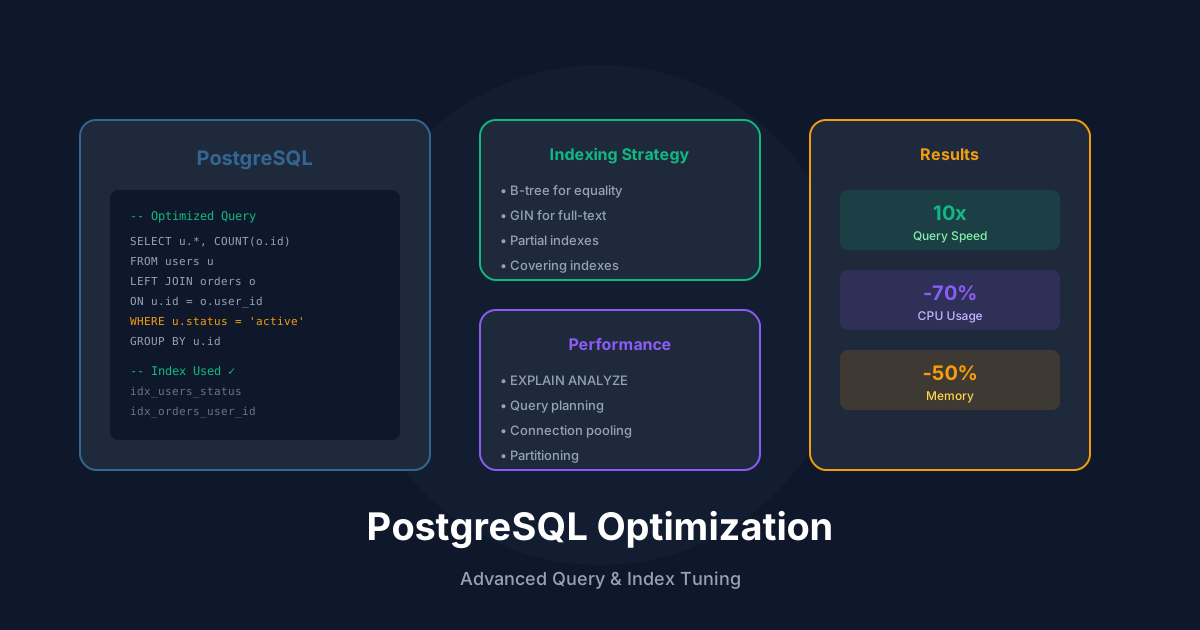
Partial indexes index only rows matching a condition. If 90% of queries filter for active users, a partial index on active users is smaller and faster than indexing everyone.
Covering indexes (using INCLUDE) store additional columns in the index itself. When all columns needed by a query are in the index, PostgreSQL can answer entirely from the index without touching the table - an index-only scan.
Expression indexes index the result of a function or expression. If you frequently query LOWER(email), index LOWER(email) directly.
JSONB indexes use GIN (Generalized Inverted Index) for containment queries or path operators. For specific key lookups, consider expression indexes on the specific paths you query.
Index selection tips:
Query Analysis Deep Dive
EXPLAIN ANALYZE shows the actual execution plan with real timings. Key things to look for:
The cost numbers are relative estimates. Focus on actual time and row counts. When estimates differ wildly from actuals, statistics may be stale - run ANALYZE.
Table Partitioning
Partitioning splits a table into smaller physical pieces while maintaining a single logical table. Benefits include:
Choose partition keys based on your query patterns. Time-based partitioning works well for time-series data. Hash partitioning distributes data evenly for load balancing.
Connection Management
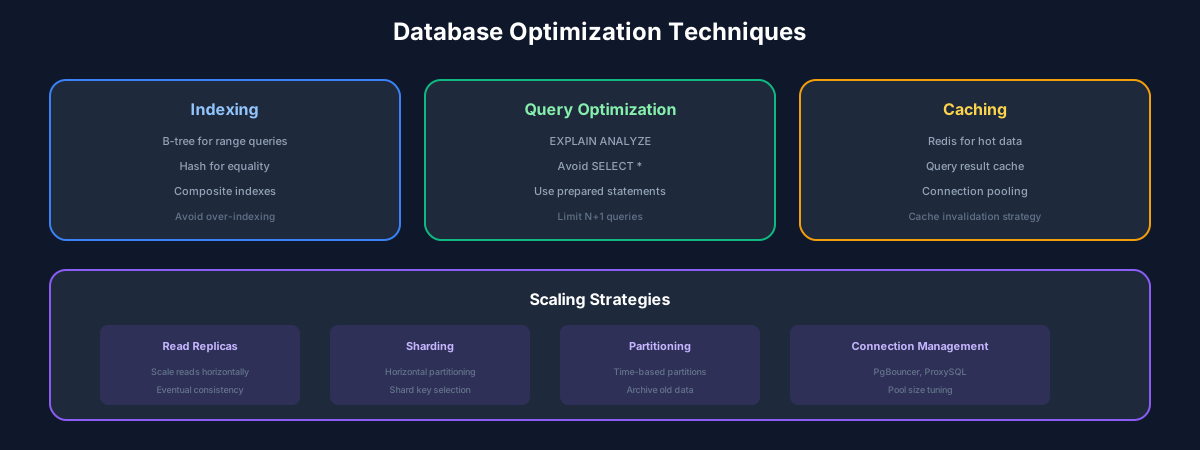
PostgreSQL forks a process per connection. Too many connections consume memory and can cause contention. Use connection pooling (PgBouncer or Pgpool-II) to multiplex many application connections onto fewer database connections.
Configure pool sizes based on your workload:
Best Practices
Recommended Reading
💬Discussion
No comments yet
Be the first to share your thoughts!